

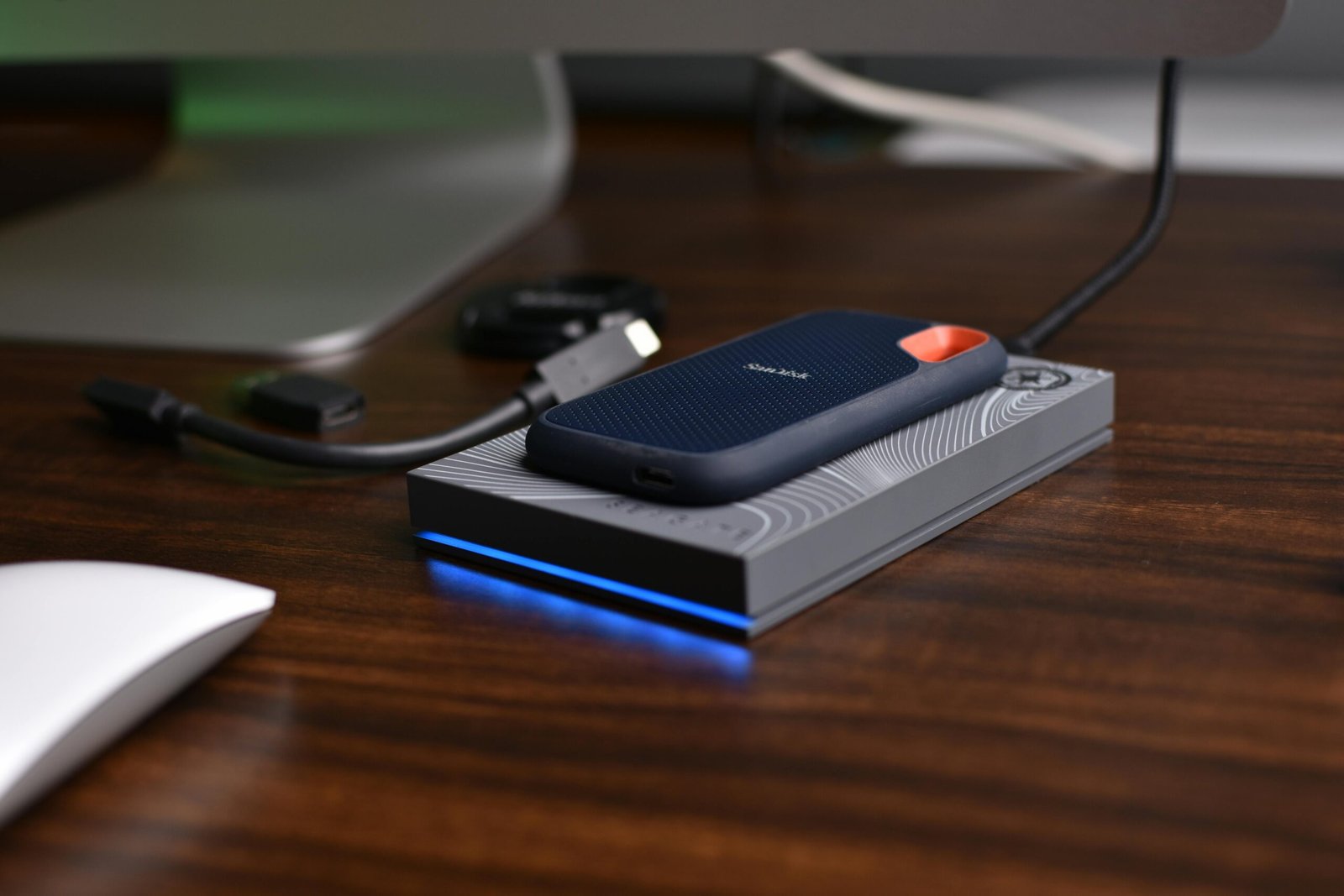
PCIe Gen5 SSDs have been available for over two years now, and the spec sheets are genuinely impressive — sequential read speeds north of 12,000 MB/s, double the theoretical bandwidth of Gen4. The marketing around these drives leans heavily on AI workloads as the killer use case. Load your training datasets faster. Reduce checkpoint save times. Accelerate your inference pipeline.
Most of that is true in a narrow technical sense and misleading in every practical sense. I’ve run both Gen4 and Gen5 drives in workstation configurations handling real ML pipelines — dataset preprocessing, model training checkpoints, inference serving — and the honest answer to “does Gen5 matter for AI?” is: it depends on exactly what you’re doing, and for most workflows, not as much as the spec sheet implies.
The Bandwidth Numbers, in Context
PCIe Gen4 x4 — which is what most current NVMe SSDs use — provides 8 GB/s of theoretical bandwidth. Gen5 x4 doubles that to 16 GB/s. Those are theoretical maximums at the interface level. Real-world sequential read performance on the best Gen4 drives sits around 7,000–7,400 MB/s. Gen5 drives are hitting 12,000–14,000 MB/s in sequential reads under ideal conditions.
That’s a genuine, measurable difference. The question is whether your workload is bottlenecked by sequential storage bandwidth — and for most AI workflows, the answer is no.
That last row in the spec grid is the one that matters most. When you’re training a model, data flows from storage into system RAM, and from system RAM into GPU VRAM. The GPU’s HBM3 memory in an H100 has 3,350 GB/s of bandwidth. Your DDR5 system RAM has roughly 100 GB/s. Your Gen5 SSD peaks at around 14 GB/s. The storage interface is already the slowest link in this chain — upgrading it from Gen4 to Gen5 moves the bottleneck from one end of the slow segment to the other end of the same slow segment. The actual constraint remains the RAM-to-GPU transfer.
Where Gen5 Actually Makes a Measurable Difference
There are specific AI workloads where the sequential bandwidth improvement of Gen5 translates into real time savings. Large model checkpoint saves and loads are the clearest example. When you’re training a 70B parameter model and saving a checkpoint every few thousand steps, each checkpoint file can be hundreds of gigabytes. At Gen4 speeds, saving 200GB takes roughly 28 seconds at peak throughput. Gen5 cuts that to around 15 seconds. Over a multi-day training run with thousands of checkpoints, that adds up.
Dataset loading at the start of training — particularly for vision models working with large image datasets that haven’t been cached in RAM — is another area where Gen5 shows a real edge. If your dataset is 500GB of raw image files and you’re loading it cold at the start of each training run, Gen5 will shave meaningful time off that initial load. The same applies to large language model tokenized dataset preparation, where you’re reading and writing hundreds of gigabytes of preprocessed data.
Gen5’s advantage is concentrated in sequential large-file transfers. The moment your workload involves random I/O — which covers most OS operations, application loading, and mixed workloads — the Gen4 vs Gen5 difference shrinks to single-digit percentages or disappears entirely.
The Thermal Problem Nobody Talks About Enough
Gen5 SSDs run hot. Not warm — genuinely hot. The Phison E26 controller that powers most first-generation Gen5 drives has been measured at temperatures exceeding 80°C under sustained sequential load without active cooling. Several drives have been caught thermal throttling during extended benchmarks, dropping from their rated 12,000+ MB/s peak down to Gen4-comparable speeds when the controller can’t shed heat fast enough.
Most Gen5 drives now ship with heatsinks attached, and motherboard M.2 heatsinks help. But in a compact workstation with limited airflow — or in a laptop where M.2 slots are thermally constrained — Gen5 throttling is a real risk that eliminates the performance advantage you paid a premium for. Gen4 drives run significantly cooler and maintain their rated speeds under sustained load far more reliably.
This isn’t a theoretical concern. Community testing on forums like Reddit’s r/buildapc and hardware sites like Tom’s Hardware has documented multiple instances of Gen5 drives throttling to Gen4 speeds after 30–60 seconds of sustained writes. If your workload involves long sequential writes — exactly the checkpoint-saving scenario where Gen5 theoretically shines — thermal throttling can undermine the advantage.
Random I/O: Where the Generation Gap Narrows Significantly
AI development work isn’t purely sequential. Loading a Python environment, importing PyTorch or TensorFlow, reading configuration files, accessing cached model weights stored in smaller files — all of this is random I/O, measured in IOPS (Input/Output Operations Per Second) rather than sequential bandwidth.
On random 4K reads, the performance gap between Gen4 and Gen5 narrows dramatically. The best Gen4 drives hit around 800,000–900,000 IOPS. Gen5 drives reach 1,400,000–1,500,000 IOPS. That’s a meaningful difference in absolute terms, but in practice the bottleneck for most random I/O workloads has shifted to the CPU’s PCIe controller and NVMe queue depth management — not the drive itself. Real-world application launch times and environment loading speeds show much smaller differences than the IOPS numbers suggest.
Cost vs. Benefit Analysis for AI Workstations
Gen5 SSDs carry a significant price premium over equivalent Gen4 capacity. A 2TB Gen5 drive currently costs roughly 1.5–2x the price of a comparable Gen4 drive. For a workstation build, that premium buys you meaningful improvements in two specific scenarios and marginal improvements everywhere else.
If your budget is constrained — and AI workstation budgets usually are, given GPU costs — the money saved by choosing Gen4 over Gen5 is almost always better spent on GPU VRAM. An extra 8GB of VRAM has far more impact on model training capability than doubling your NVMe bandwidth. A single-GPU workstation with a 24GB card and a Gen4 SSD will outperform the same platform with a 16GB card and a Gen5 SSD on every training task where model size matters.
👍 When Gen5 Makes Sense
- Training runs with frequent large checkpoints (70B+ parameter models)
- Cold dataset loading of 200GB+ image or text corpora
- Multi-user NAS-attached inference servers with high concurrent read demand
- Video production pipelines with 8K RAW file handling alongside AI processing
👎 When Gen4 Is Sufficient
- Local LLM inference with models that fit in VRAM (no storage streaming)
- Fine-tuning smaller models (under 13B parameters) with datasets under 50GB
- AI-assisted development workflows (Copilot, Cursor, code completion)
- Budget builds where GPU VRAM is the binding constraint
Platform Compatibility: Not Every System Supports Gen5
Gen5 M.2 slots require a platform that supports PCIe 5.0 on the M.2 interface — not just PCIe 5.0 for the GPU slot. On the Intel side, Z790 and W790 motherboards support Gen5 M.2. On AMD, the X670E chipset supports it, but the standard X670 and B650 chipsets typically don’t expose PCIe 5.0 on M.2 slots even when they support it for graphics. Verify your specific motherboard’s M.2 slot specifications before assuming Gen5 compatibility.
Laptops are an almost universal Gen4 story for now. Very few consumer or workstation laptops ship with Gen5 M.2 slots in 2026, and the thermal constraints of laptop chassis make sustained Gen5 performance questionable even where the interface exists. If you’re building or buying a laptop for AI work, Gen4 is what you’ll have, and it’s entirely sufficient for mobile workloads.
The Practical Verdict for 2026
Gen5 is the right choice if you’re building a workstation specifically for large-scale model training with 70B+ parameter models, your budget comfortably covers GPU needs, and your case has adequate M.2 thermal management. In that context, checkpoint save/load times are a real workflow constraint and Gen5 addresses it directly.
Gen4 is the right choice for everything else — local inference, fine-tuning, AI-assisted development, and any build where GPU budget is a constraint. The performance difference in everyday AI workloads doesn’t justify the premium, and the thermal reliability of Gen4 under sustained load is a genuine practical advantage.
The generation of your NVMe drive is not the specification that limits your AI workload in 2026. Your GPU VRAM capacity is. Your system memory bandwidth is. Your CPU’s PCIe lane count is. Optimize those first. If all of those are maxed out and you’re still waiting on storage, then Gen5 is worth the conversation.
For a full breakdown of the workstations we’ve tested with both Gen4 and Gen5 storage configurations, see our Best AI Workstations 2026 guide.
Frequently Asked Questions
Will a Gen5 SSD speed up my AI model training?
It depends on your specific bottleneck. If your training loop spends significant time on checkpoint saves or initial dataset loading, Gen5 will reduce those times by roughly 40–50% compared to Gen4. If your training is GPU-bound — which it is for most workloads once data is in RAM — swapping to Gen5 will have no measurable impact on training throughput. Profile your pipeline before spending on the upgrade.
Do I need a new motherboard for PCIe Gen5?
For Gen5 M.2 SSD support specifically, yes — you need a motherboard with at least one M.2 slot wired for PCIe 5.0. On Intel platforms, Z790 and W790 boards typically support this. On AMD, X670E boards support it but standard X670 and B650 boards usually don’t expose PCIe 5.0 on M.2. Check your specific board’s spec sheet for each M.2 slot individually.
Are Gen5 SSDs reliable for long-term AI workstation use?
The first-generation Gen5 controllers (Phison E26, Innogrit IG5236) have accumulated enough community usage data to be considered reliable for general use. The main concern is thermal management under sustained write workloads — ensure adequate heatsinking. Second-generation Gen5 controllers coming in late 2025 and 2026 have improved power efficiency and run cooler.
Can I use a Gen5 SSD in a Gen4 slot?
Yes. PCIe is backward compatible — a Gen5 SSD will work in a Gen4 M.2 slot, operating at Gen4 speeds. You won’t get Gen5 performance, but the drive will function normally. This makes Gen5 drives a reasonable future-proofing investment if you plan to upgrade your platform within a few years.
What about PCIe Gen5 for the GPU slot — does that matter for AI?
For current GPU generations, no. Even an RTX 4090 or H100 PCIe doesn’t saturate a Gen4 x16 slot’s bandwidth under typical inference or training workloads. The GPU-to-CPU communication bandwidth isn’t the bottleneck in any common AI pipeline today. Gen5 x16 for GPU will matter eventually as GPU-to-CPU transfer rates increase, but not in 2026 with currently available hardware.
WRITTEN BY

Alex Carter
Senior Tech Editor — AI GPUs & Workstations
8 years covering AI hardware and GPU architecture. Has configured and benchmarked Gen4 and Gen5 storage in production AI workstation builds, from fine-tuning rigs to multi-GPU training servers.
Specialties: NVIDIA & AMD GPUs · AI inference benchmarking · Workstation builds · Local LLM deployment
Stay up to date with the latest AI hardware reviews, buying guides, and analysis at AiGigabit.com. Bookmark us for daily updates.
I wanted to thank you for this wonderful read!! I definitely loved every bit of it.
I have got you saved as a favorite to look at new
things you post…
That is so wonderful to hear! Thank you for sticking around. Was there a specific part that resonated with you? I’d love to know what you’d like to see more of!